



System Requirements
- CPU: Intel & AMD
- GPU: NVIDIA, AMD & Intel
- External software with internal performance
- Windows 10/11
- Bypass EAC/ANYBRAIN AI – (UNIQUE METHOD)
Full feature list:
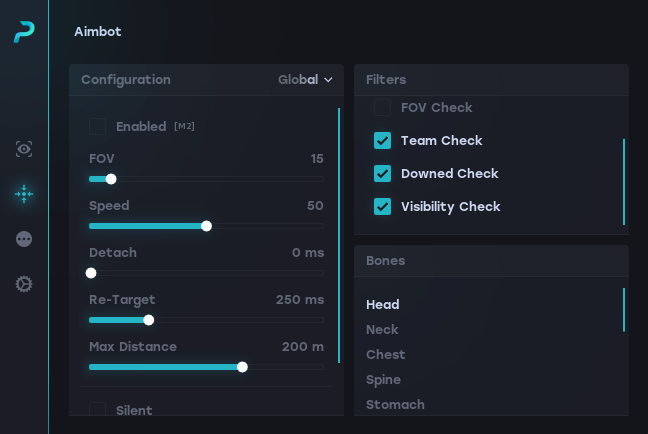
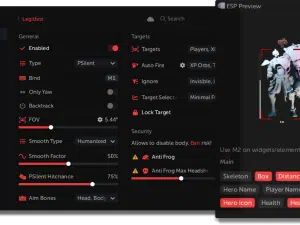
Aimbot
- Highly Configurable
- HUMANIZATION (FOR ANYBRAIN AI)
- Silent Aimbot
- Prediction Aimbot
- Multiple Selectable Bones
- Bindable Key
- FOV
- Speed
- Detach Time
- Re-Target Time
- Velocity Prediction (Horizontal, Vertical)
- Bot Check
- Team Check
- Out of FOV Check
- Visibility Check
- Knocked Check
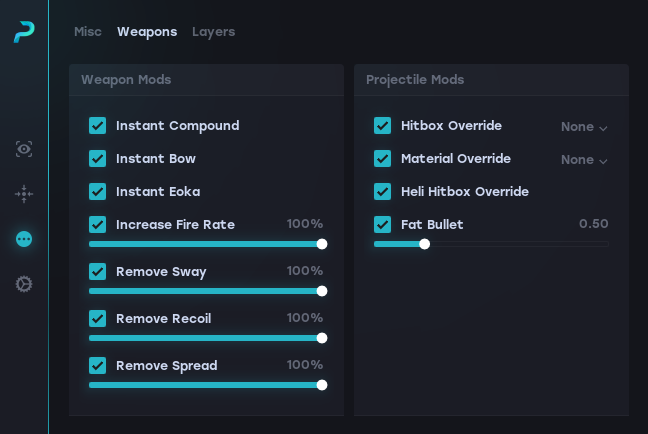
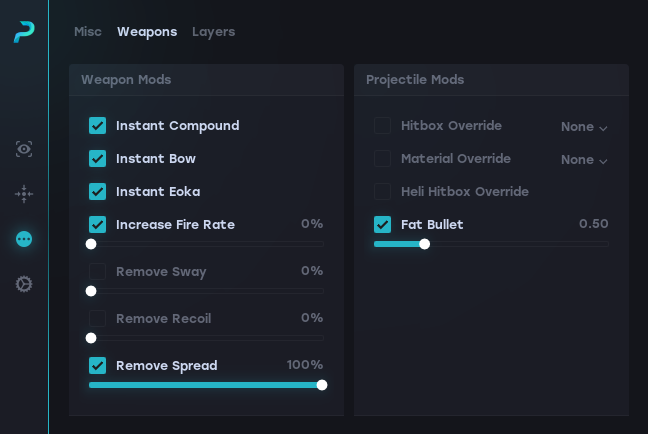
Misc Weapons
- Instant Bow
- Instant Compound Bow
- Instant Eoka
- Increase Fire Rate (Slider)
- No Spread (Slider)
- No Recoil (Slider)
- No Sway (Slider)
Misc Projectile
- Hitbox Override (Head, Neck, Chest)
- Material Override (Glass, Stone, Snow, Sand, Metal, Dirt)
- Heli Hitbox Override
- Fat Bullet (Slider)
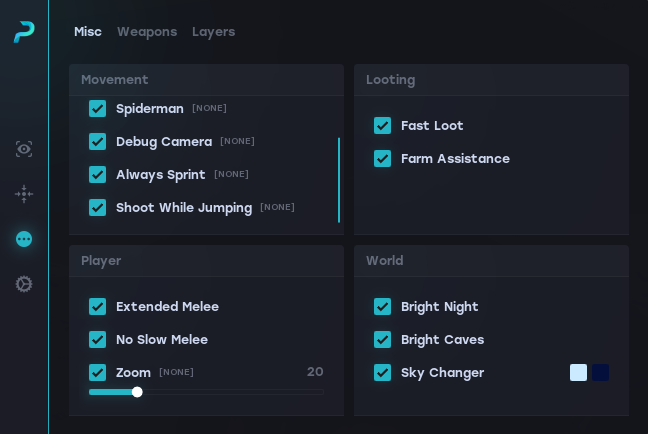
Misc Movement
- Flyhack (Bindable)
- Spiderman (Bindable)
- Always Sprint (Bindable)
- Shoot While Jumping (Bindable)
- Debug Camera (Bindable)(Safe approach)
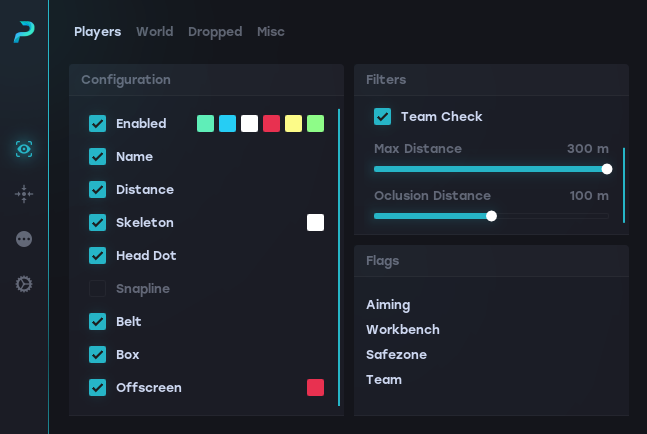
Player Visuals
- Selectable ESP Mode (Toggle, Hold, Always)
- MAP RADAR
- Highly Configurable
- Name
- Box
- Belt
- Distance
- Skeleton
- Weapon
- Head Dot
- Snapline
- Sleeper Check
- Knocked Check
- Team Check
- 360 Offscreen Coverage
- Flags (Aiming, Workbench, Safezone, Team)
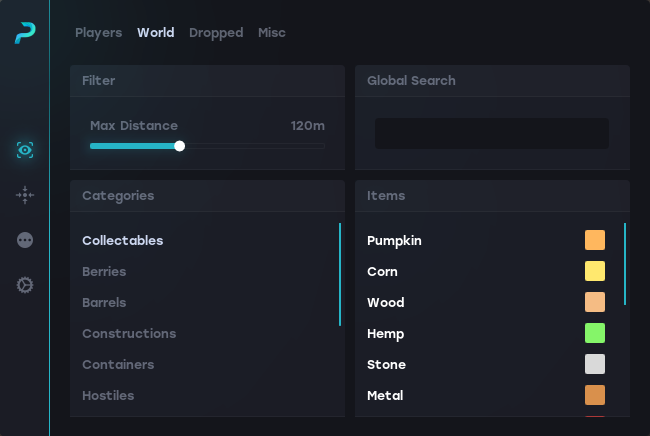
World ESP
- Highly Configurable
- Raid explosion and footstep ESP
- Search Box
- Hostiles
- Traps
- Berries
- Barrels
- Containers
- Farmable
- Corpses
- Constructions
- Transport
- Puzzle
- Primitive
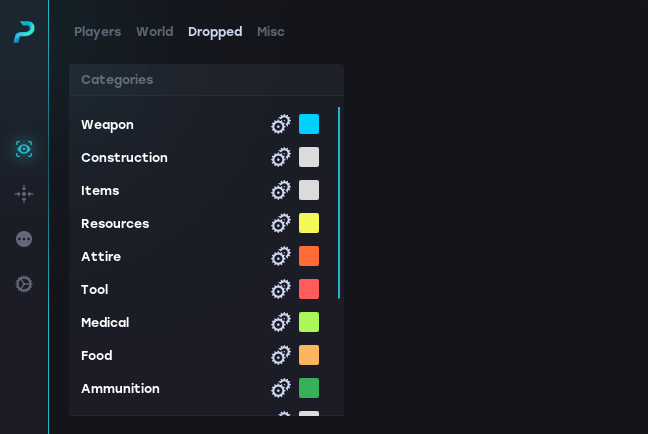
Dropped ESP
- Weapons
- Ammunition
- Items
- Constructions
- Resources
- Attire
- Food
- Meds
- Traps
- Miscellaneous
- Components
- Electrical
- Fun
- Tools
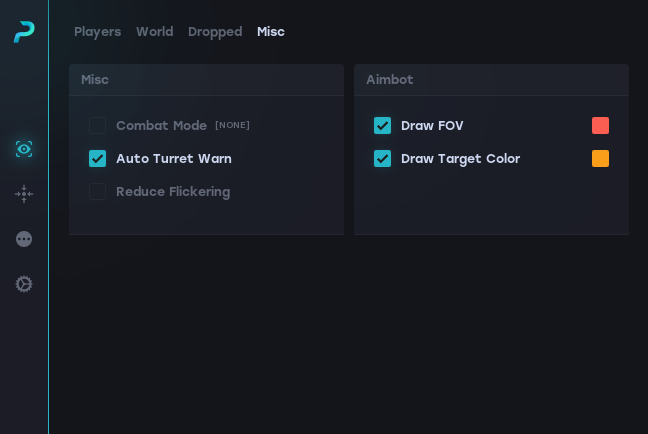
Misc ESP
- Combat Mode (ESP only players)
- Auto Turret Warning
- Reduce Flickering
Misc Player
- Extended Melee
- No Slow Melee
- Zoom (Slider and Bindable)
Misc Looting
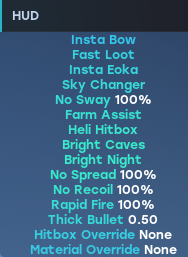
- Fast Loot
- Farm Assistance
Misc World
- Bright Night
- Bright Caves
- Sky Changer
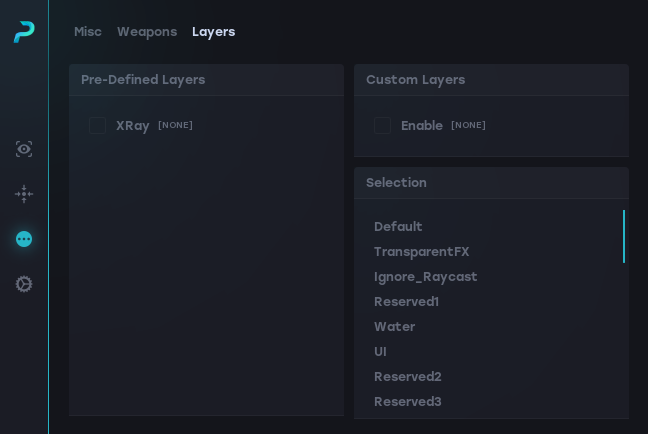
Misc Layers
- X-Ray
- Huge Selection of Custom Layers
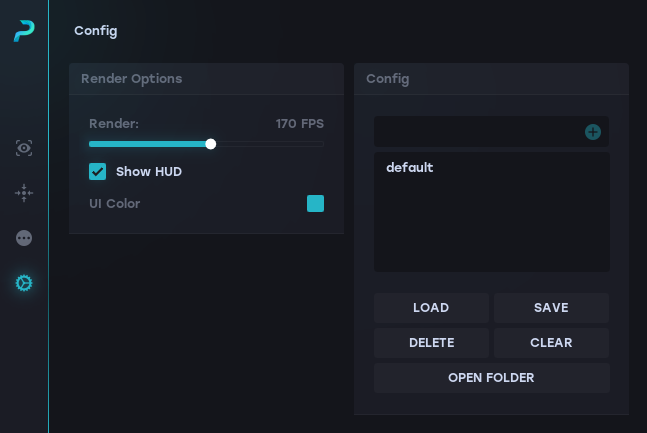
Config
- Load
- Save
- Clear
- Delete
- Open Saved Config Folder
UI
- Render FPS
- Show Software HUD / Disable HUD
- Streamproof Visuals
How to Use
-
Remove conflicting software
Uninstall or completely remove any third-party anti-cheat or security tools such as Riot Vanguard, FACEIT Anti-Cheat, and any VPN software such as Surfshark VPN. -
Enable NVIDIA Overlay
Open GeForce Experience and make sure the In-Game Overlay (NVIDIA Overlay) is enabled. -
Complete your purchase
After you’ve made your payment on our store, you will receive your download link and license key. -
Download the loader
Use the link provided after purchase to download the loader to your PC. -
Start the loader
Run the loader as administrator and wait for it to initialize. -
Enter your key
When prompted, enter the key you received after payment and confirm. Once the key is accepted, you’re ready to launch Rust and configure your settings.
UnTakeN –
ESP 10/10, AIMBOT VERY SMOOTHLY silent and memory ty
Rk002 –
bought rust private and temp woofer both is fine for me